Project
WormaCeptor
An open-source, modular Android debugging toolkit and network inspector.
- Role
- Creator & Maintainer
- Status
- active
- Year
- 2026
- Stack
- Kotlin · Jetpack Compose
What is WormaCeptor?
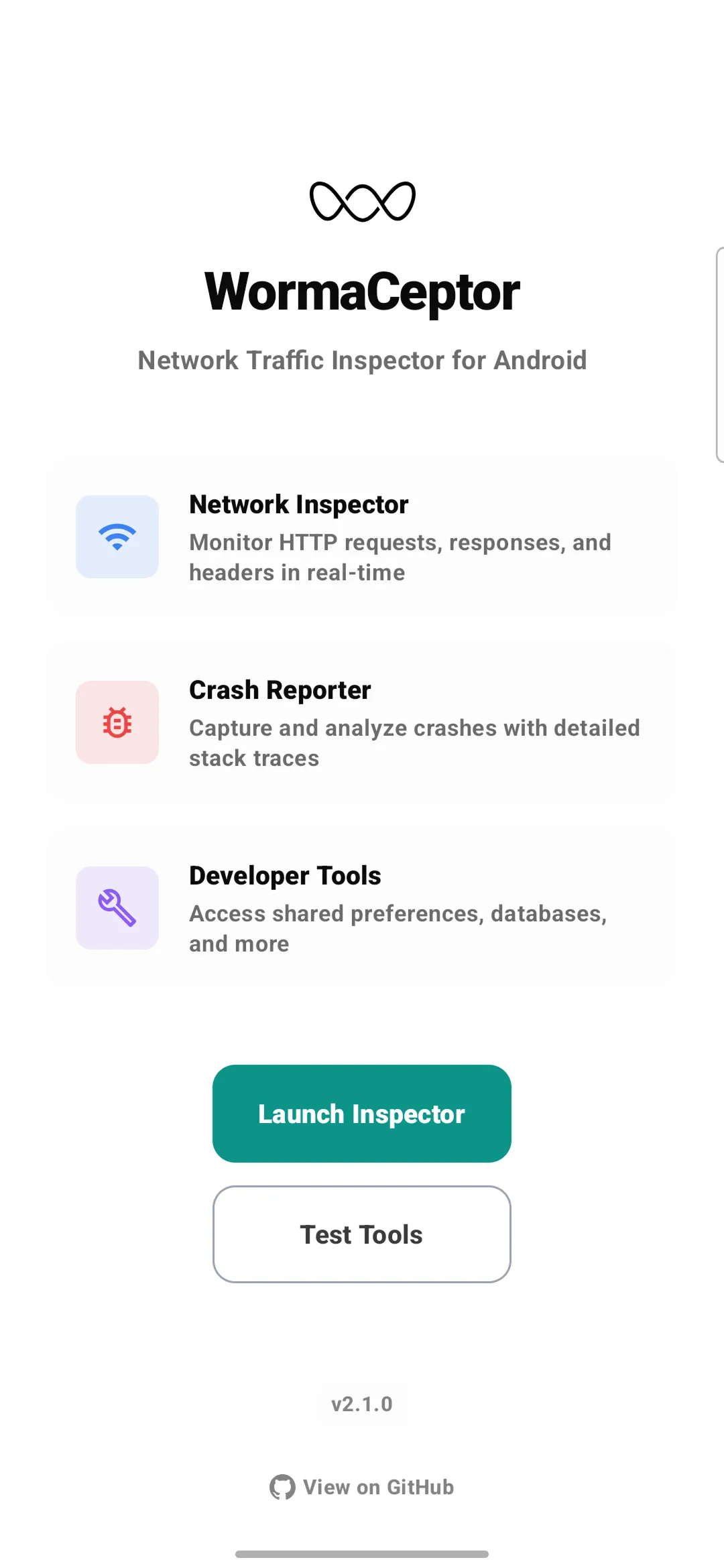
WormaCeptor is an open-source Android debugging toolkit built for developers who need full visibility into what their app is doing at runtime. It intercepts HTTP traffic, captures crashes with full stack traces, and bundles a suite of developer tools — all accessible from a floating overlay without leaving your app.
What It Does
Network Inspection
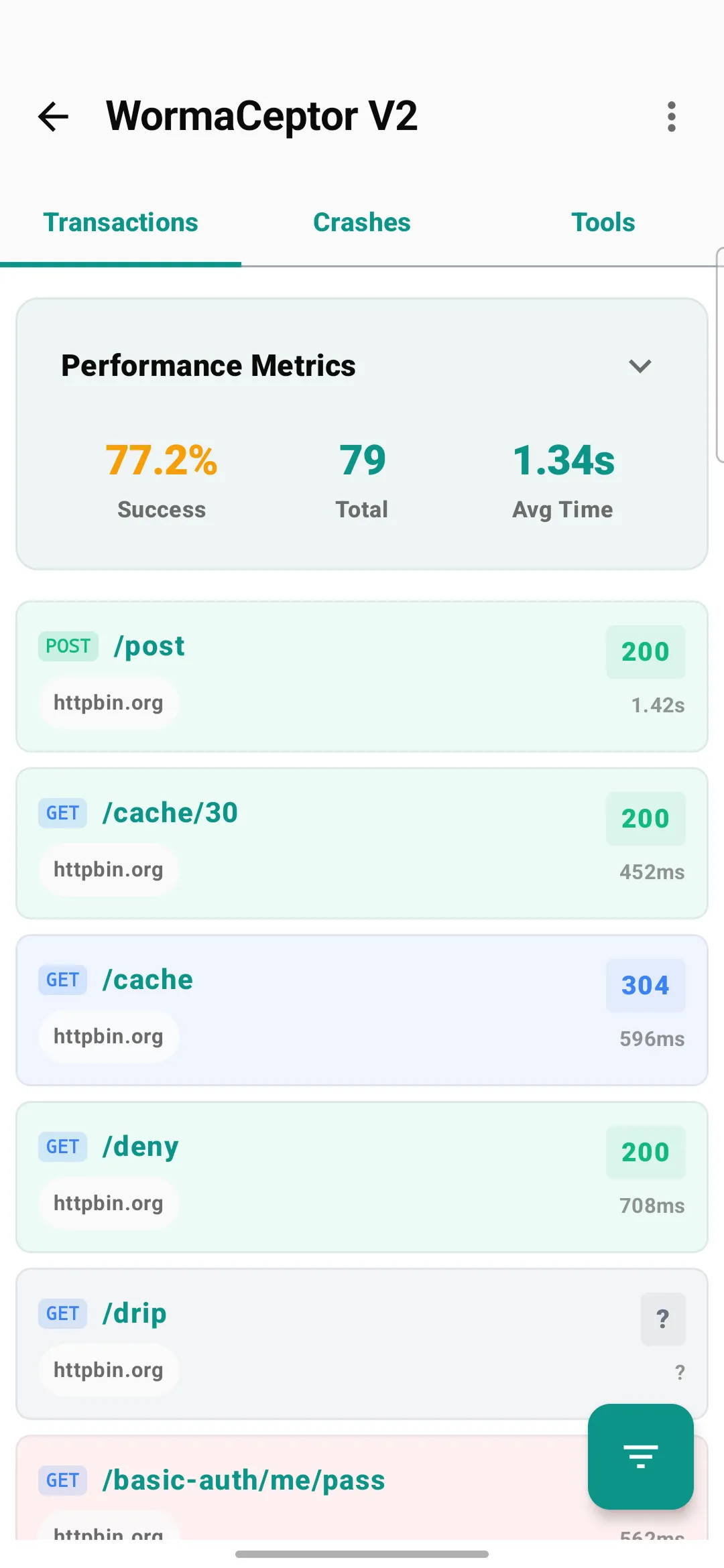
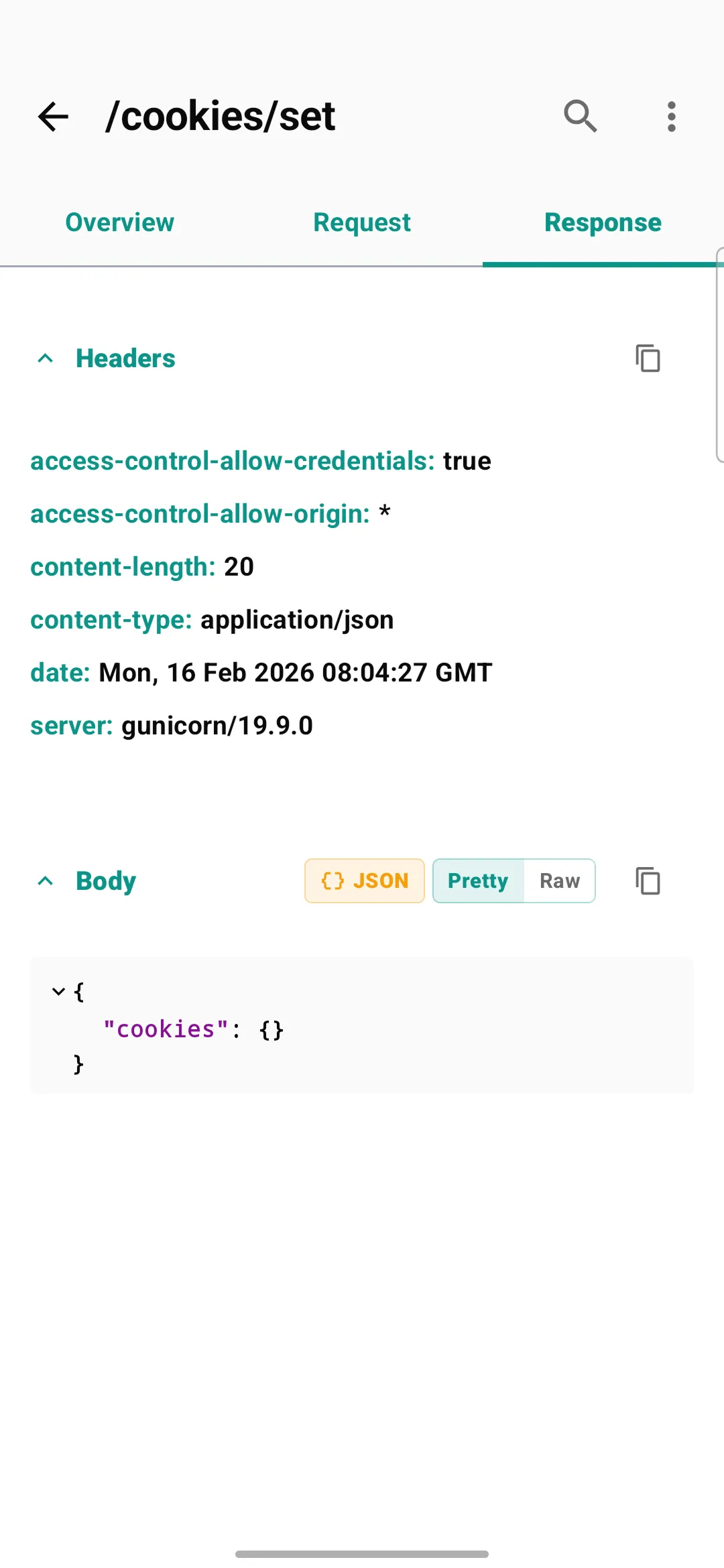
Intercepts HTTP and HTTPS traffic via an OkHttp interceptor. Every request is logged with its URL, method, headers, body, status code, timing, and TLS info. Response bodies are parsed and rendered with syntax highlighting and tree views for JSON, XML, HTML, multipart, images, and PDFs. Built-in search, filtering, and favorites let you narrow down logs quickly. Requests can be exported as cURL commands or JSON.
Advanced Debugging
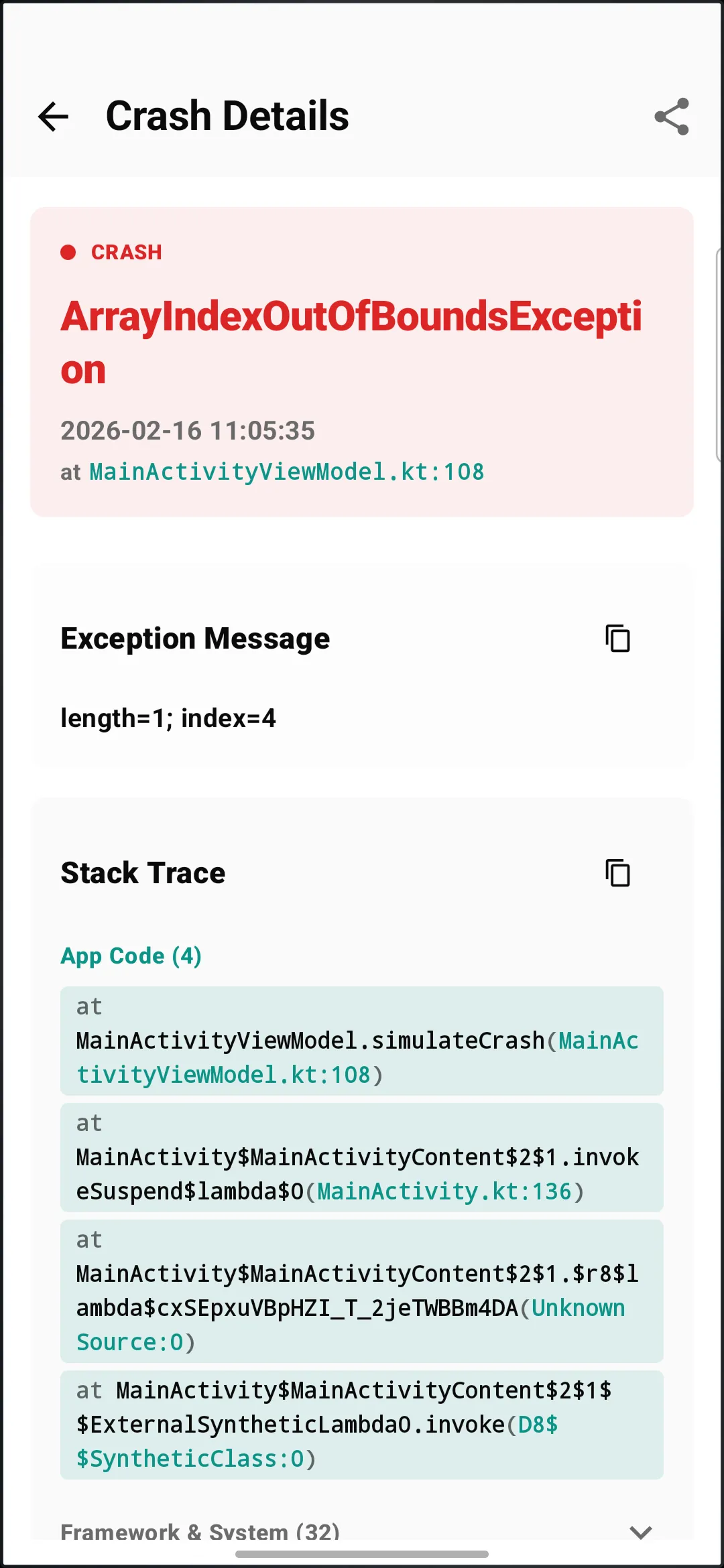
- Crash Reporting — Integrated exception capture with full stack traces, timestamped and stored locally
- Leak Detection — Automatic memory leak detection for Activities and Fragments
- Thread Violation Detection — ANR warnings and main thread violation alerts
System Inspection
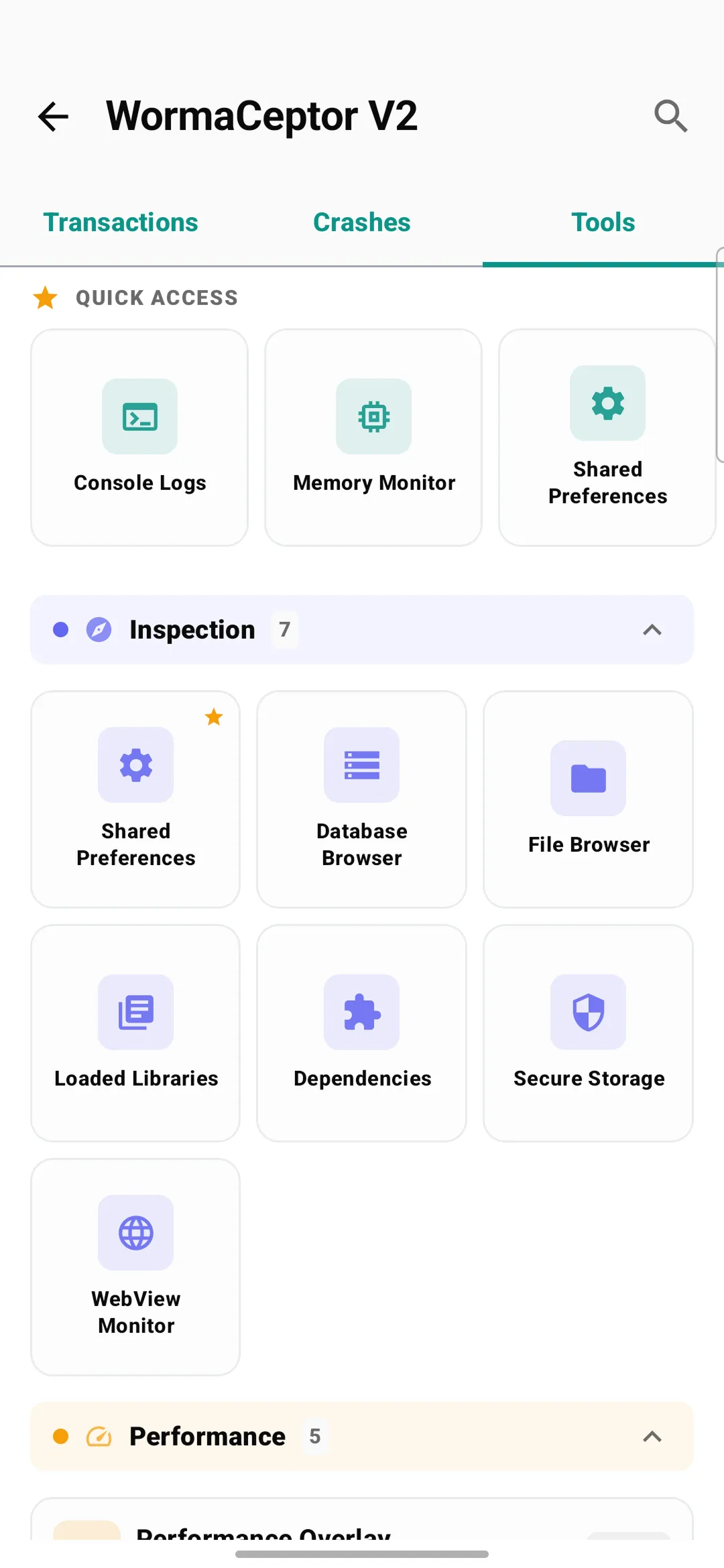
- SQLite Browser — Browse tables and execute custom queries
- SharedPreferences Inspector — View and edit preferences
- Secure Storage Inspector — View encrypted preferences
- File Browser — Navigate the app’s internal and external file system
- Device Info — Comprehensive device details
- Cookies Manager — View HTTP cookies
- Loaded Libraries — List native
.sofiles loaded at runtime
Performance Monitoring
Real-time FPS, memory, and CPU tracking. A draggable performance overlay can be pinned on top of your app showing live metrics.
Network Simulation & Testing
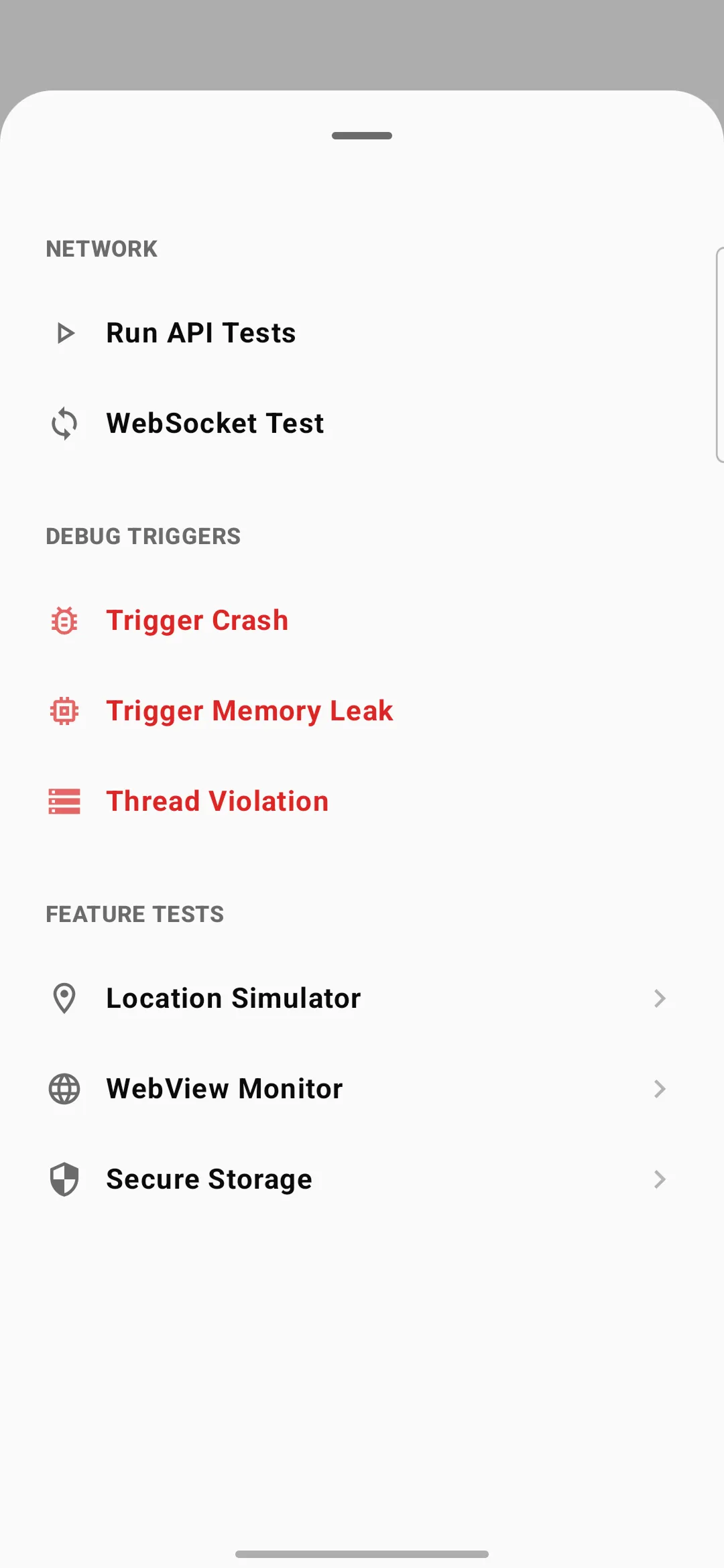
- Rate Limiter — Throttle network with presets (2G, 3G, 4G, WiFi) or custom speeds
- WebSocket Monitor — Real-time WebSocket frame inspection
- WebView Monitor — Track WebView activity and JavaScript bridges
- Push Notification Simulator — Send test notifications on-device
- Location Simulator — Mock GPS location for testing location-dependent features
- Crypto Tool — Encrypt/decrypt with AES and RSA
Architecture
WormaCeptor is composed of 50+ Gradle modules, each scoped to a single responsibility. The UI layer is built entirely in Jetpack Compose with Material You theming and full dark mode support. Dependency injection is handled by Koin, and all background work runs on Kotlin Coroutines.
Getting Started
Add the JitPack repository to your settings.gradle.kts:
dependencyResolutionManagement {
    repositories {
        maven { url = uri("https://jitpack.io") }
    }
}
Add the dependencies to your module-level build.gradle.kts:
dependencies {
    // Required: Lightweight API client
    implementation("com.github.azikar24.WormaCeptor:api-client:2.1.0")

    // Debug: Full toolkit with persistent storage
    debugImplementation("com.github.azikar24.WormaCeptor:api-impl-persistence:2.1.0")
}
Initialize in your Application class and add the OkHttp interceptor:
class MyApplication : Application() {
    override fun onCreate() {
        super.onCreate()
        WormaCeptorApi.init(this)
    }
}

val client = OkHttpClient.Builder()
    .addInterceptor(WormaCeptorInterceptor())
    .build()
The interceptor supports several configuration options:
WormaCeptorInterceptor()
    .showNotification(true)
    .maxContentLength(500_000L)
    .retainDataFor(Period.ONE_WEEK)
    .redactHeader("Authorization")
    .redactHeader("Cookie")
    .redactBody("password\":\".*?\"")
Debug-Only by Design
The api-client module is a lightweight contract layer safe for all build types. The heavy implementation (api-impl-persistence) is included only via debugImplementation, so it is physically excluded from release builds. A reflection-based discovery mechanism connects the API to the implementation at runtime — if no implementation is found, everything falls back to a graceful no-op. No ProGuard rules, no feature flags, no runtime toggles — just dependency separation at the Gradle level.